Ruskington Medical Practice
Brookside Close, Ruskington, Sleaford Lincoln NG34 9GQ
Telephone: 01526 832204
We're open

Latest Useful Information ULHT Secretarial Demand Warm Spaces – Friday’s 10:30am to 2pm – Term Time Staff Training Dates 2026 Moving from Anima to Accurx Mounjaro Injection Guidance ECG Booking
Online Services Explained
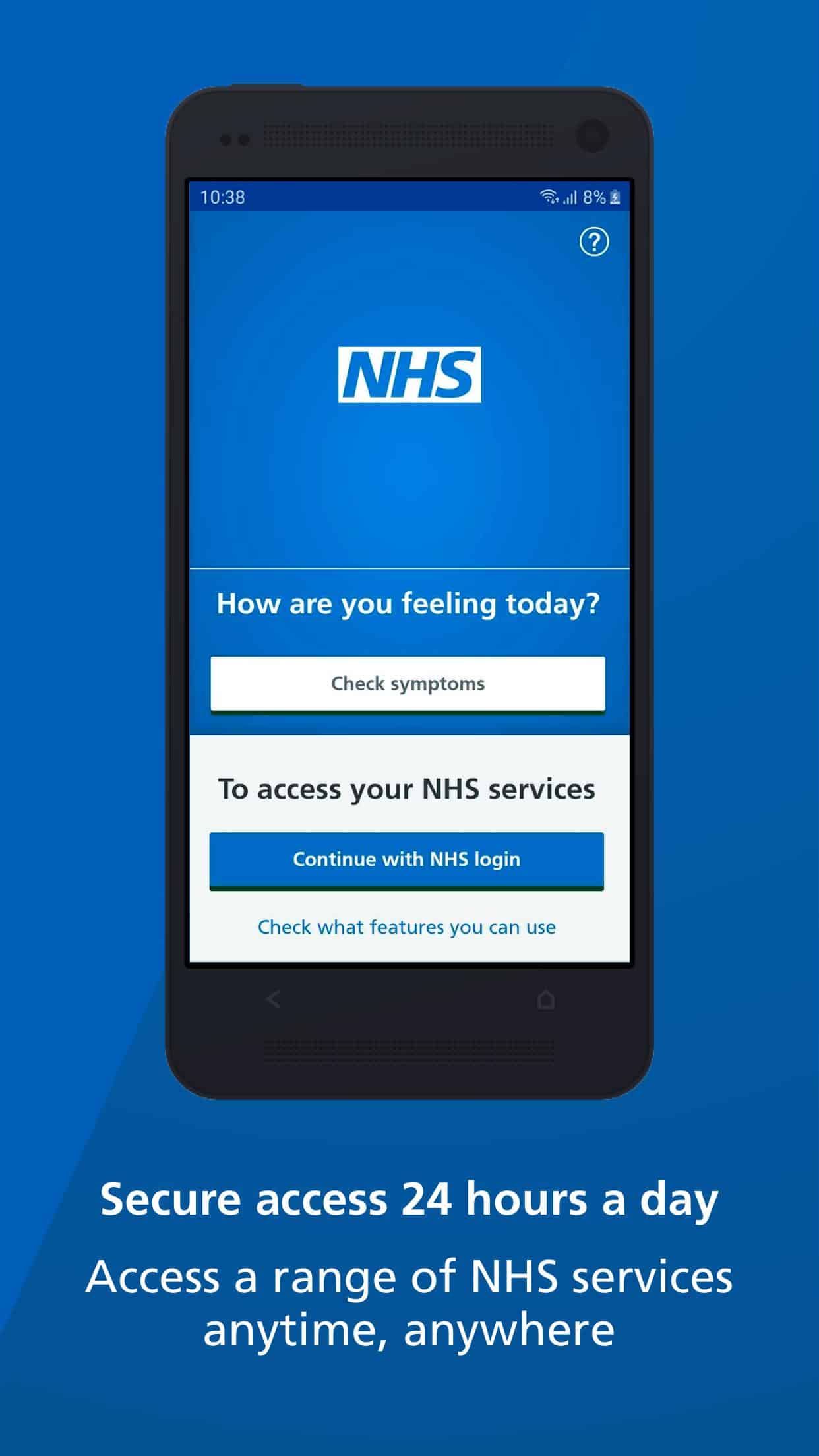
It is quick and easy to download the NHS App from the Apple App Store or Google Play.
You do need to be at least 13 years old to make a linked account on your NHS App.
It will take you less than 10 minutes to register on the app once it is downloaded to your device.
To set up your account you will need the following information to hand:
Your full name – Postcode – Date of Birth – NHS Number – working email address – mobile telephone number.
To confirm who you are you will need proof of identification ready:
This has to be ID with your photo on it such as a driving licence, passport or ID card ( such as a UK Residence Card).
The app will guide you through the registration process, then it will usually take around 24 hours for it to link with your medical records in practice.
Then you can start ordering repeat prescriptions, look at your medical records, review consultations, see messages and access 111 help and advice.
It even links in to the Accurx system for Ruskington Medical Practice to request an appointment and shows you any upcoming hospital appointments you may have.
There is a video on YouTube to help you create an NHS app account – you can access via this link
SystmOnline is a direct link into the medical records used at Ruskington Medical Practice.
Creating an account here will give you access to your medical records, allow ordering of repeat prescriptions, review consultations and test results.
You can access SystmOnline by either downloading the app from your Apple App Store or Google play store OR you can access via logging into their website.
Regardless of how you access this service you will need to get a username and password from the practice. Just pop in whenever you are free with some photo ID and a care navigator on the reception desk can help you with this.
You will need to have a mobile telephone number and working email address on your clinical records to do this.
A link will be emailed to you to login for the first time or you can enter your given username and password into the app.
There is a video on YouTube to help you create a SystmOnline account – you can access via this link
Accurx is our online triage system for all patient requests.
All patient requests for medical support and appointments are triaged by our clinical team and all will go through Accurx.
The fastest way to place a request is to go to our website at www.ruskingtonmedicalpractice.co.uk and select the blue Accurx button.
You can choose the following support options:
Health Problems – providing symptom detail for help and support to the clinical team
Admin and routine requests – asking for a FIT note, repeat medications, long term condition review appointments, nurse appointments, vaccinations etc
Online Advice – where you can check symptoms and possible treatments.
You will be asked for your date of birth and then asked to confirm if you have any serious life threatening symptoms (if you do you should call 999 immediately)
You will then be asked a few questions about your health problem – the more information you give the easier it is for the clinical team to ensure you get the right
care from the right person first time.
You will be asked to describe the problem, attach a photo from your device if it is relevant, how long you have had these symptoms and if you have tried anything to help. By this we mean have you tried any medications you can buy over the counter from the chemist (such as paracetamol, ibuprofen, sprays, creams etc).
Then you need to tell us how we can help and if there are any times you cannot answer your phone or come into practice.
Opening Times
- Monday08:00am to 06:30pm
- Tuesday08:00am to 06:30pm
- Wednesday08:00am to 06:30pm
- Thursday08:00am to 06:30pm
- Friday08:00am to 06:30pm
- SaturdayCLOSED
- SundayCLOSED
Useful Links